
Download Your Practice Week Log
Excel worksheet to help you track your Copilot practice tasks between training sessions.
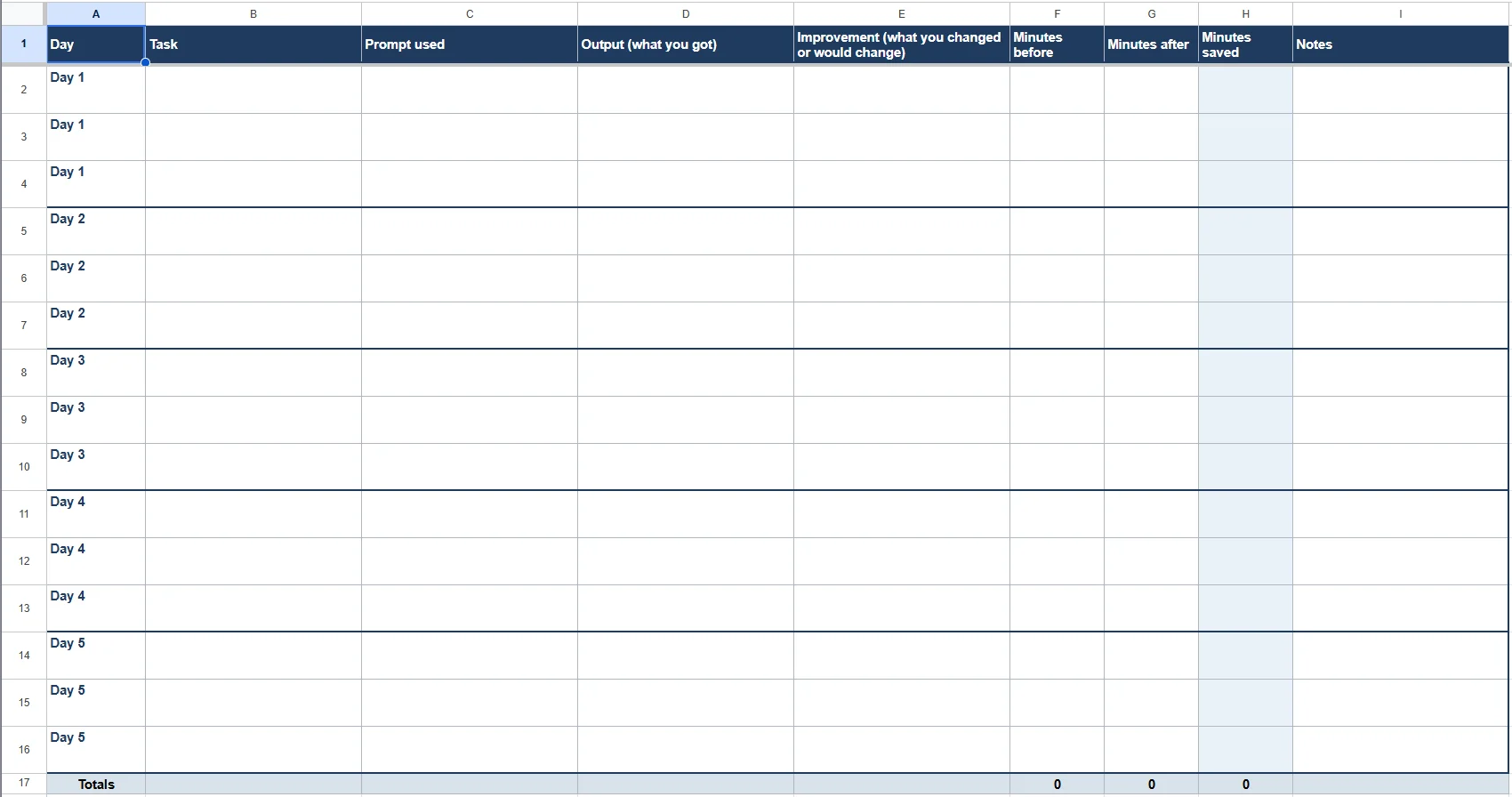
Practice Week Log: how to use it
- DOWNLOAD the practice log Excel worksheet.
- Use your normal work this week. This is not extra work, it is the work you were already going to do.
- Each day, pick up to 3 tasks. Start with the top tasks from your Copilot Task Picker.
- Before you start, write down about how many minutes the task usually takes you (Minutes before).
- Do the task with Copilot. Paste or summarize the prompt you used.
- Write a short note on what you got (Output) and what you changed or would change next time (Improvement).
- Write down how many minutes it took with Copilot (Minutes after). Minutes saved fills in on its own.
- At the end of the week, check the Totals row and note which prompts worked best.
Tips
Keep notes short. One line per cell is enough. Skip anything with sensitive data your company policy does not allow in Copilot. Your numbers are your own. Measure honestly, even when a task takes longer.